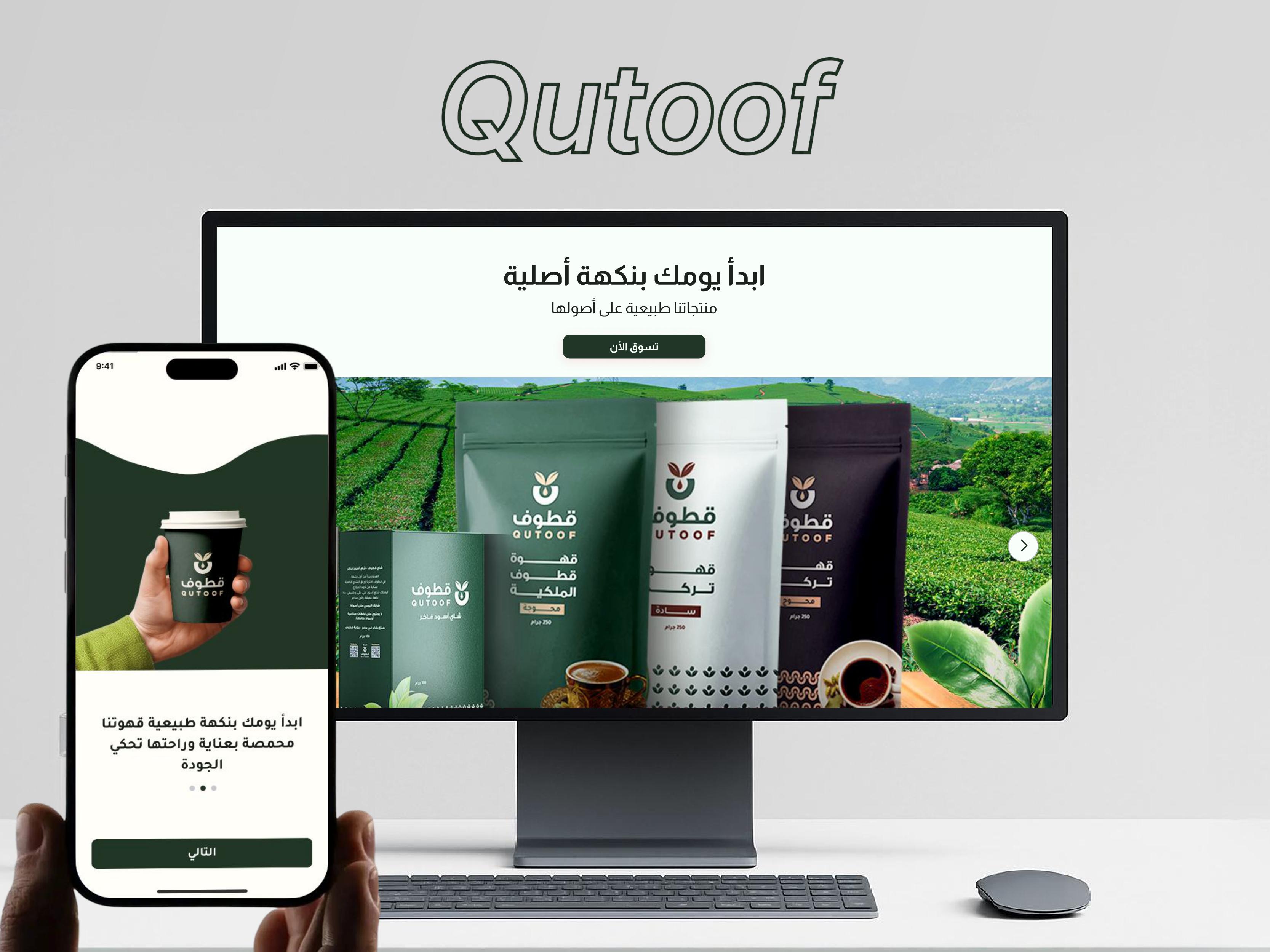
E-Commerce (Qutoof Organic)
Gallery
Select a screen to enlarge
Summary
An online store for natural products, with a shop for customers and an admin panel for the team. Confirming an order on WhatsApp is still only a proposal.
Overview
Qutoof is an online store with an admin panel. Customers shop natural products, and the team runs the catalog, orders, shipping, and promotions. These are the features in the system today. Confirming or canceling an order on WhatsApp after it is placed is still proposed and has not been built. The system creates the order and notifies the admin only. The customer does not receive a confirmation or cancellation message.
Technologies
Features
Accounts and catalog
Customers sign up and sign in with a mobile number and a verification code, and they can also sign in with Google. A profile holds the name, photo, and addresses. They browse products by category and subcategory, with search and filters. A product page shows the available weights and package sizes. Recently viewed products and suggestions are shown. Customers can add, update, and remove items in the cart, and they can save products to a wishlist.
Checkout and orders
Checkout accepts discount coupons, offers, and flash cards. Payment is cash on delivery or EasyCash. Shipping depends on the governorate, with a fast-shipping option. Pickup details include the name, mobile number, address, and delivery method. Customers follow orders from an orders page and can open each order. They can rate products and read other customers’ ratings. They can chat with support, receive in-app notifications, and apply to join as a seller. Public pages cover about, privacy, contact, and distribution locations.
Admin catalog and promotions
Admins can create an account, sign in, and change the password. They create, edit, and delete products, including weights and package sizes, and they manage categories and subcategories. They manage offers, flash cards, and coupons, and they can turn each one on or off. They manage advertising banners, the about page, and distribution locations.
Admin orders and customers
Admins list and filter orders by status and change the status. They list and filter payments. They set the shipping cost for each governorate and the fast-shipping fee. They accept or reject seller applications with a note, and they set the terms and benefits of selling. They can delete ratings and add external ratings. They chat with customers, read contact messages, and get a notification when a new order is created.
Order statuses
An order moves through these statuses: pending, paid, shipped, delivered, received, cash, cancelled, and returned.
Not built yet
Confirming or canceling an order on WhatsApp after checkout is not built. The system creates the order and notifies the admin. The customer does not get a WhatsApp message to confirm or cancel.