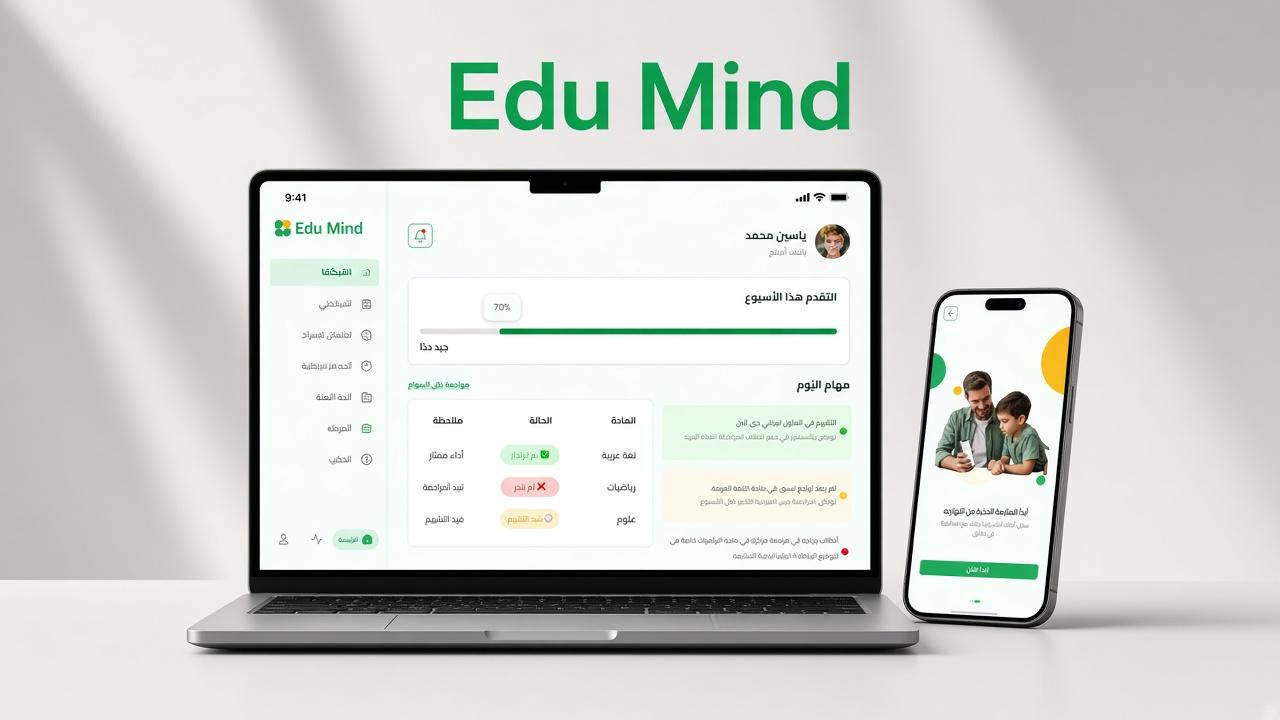
Edu Mind
Gallery
Select a screen to enlarge
Summary
Multi-tenant school platform: one NestJS API for the platform, school, teacher, student, and parent products.
Overview
Edu Mind is a multi-tenant school platform. A school is the paying customer. Teachers, students, and parents are users inside that school. One NestJS backend serves five clients over a REST API at /api/v1, with PostgreSQL as the database and Redis for cache. Messages are returned in English or Arabic based on Accept-Language. Each school is isolated: school data is always scoped to the school in the user’s login token. The academic tree is Stage, then Grade, then Class. A class has one homeroom teacher and many students. Subjects are linked to grades, and teachers are assigned to a subject in a class. An academic year is the time scope for enrollment, timetable, exams, and student attendance, while the school structure itself stays the same from year to year. A weekly timetable is built from school days and periods. The same backend serves every product. A teacher marks attendance, a student reads their own record, and a parent reads the child’s record. Access depends on role and on whether the record belongs to that school.
Technologies
Features
Five products, one backend
The SaaS dashboard is for the platform owner and staff: plans, subscriptions, schools, and platform analytics. The school dashboard is for school admin and staff: academic setup, people, schedules, and reports. The teacher dashboard covers classes, attendance, materials, quizzes, and the timetable. The student dashboard covers schedule, lessons, quizzes, grades, and attendance. The parent mobile app covers child progress, attendance, schedule, and chat.
Platform owner
Auth covers login, logout, refresh token, forgot and reset password, and change password. Plans have pricing, billing cycle, limits, and features, and can be activated or deactivated. Subscriptions assign a plan to a school and support renew, upgrade, downgrade, cancel, suspend, reactivate, and invoices. Schools are tenants that can be created, activated, deactivated, or suspended, and the school admin password can be reset. Platform staff have one role per account, with custom roles and permissions. System roles cannot be renamed or deleted. Platform analytics include KPIs, growth and usage charts, and lists of expiring, inactive, or high-usage schools.
School administration
School custom roles and staff accounts include status (active, suspended, deactivated) and password reset. School and staff profiles support avatars. Teachers and other staff can be created, updated, deactivated, and bulk-imported, then assigned to a class and subject, with a weekly timetable. Students can be created, updated, searched, and bulk-imported, and linked to a parent and a class. Stages, grades, and classes can be created and activated or deactivated. A class has a homeroom teacher, students, and subjects. Subjects include weekly period counts, units, lessons, lesson content, and downloadable resources. The schedule configures school days and periods, weekly slots, timetable export, and substitutions. School analytics cover overview, student progress, teacher performance, and exportable reports. The school can see its current plan and request a renew or upgrade.
Teaching and learning
Attendance is daily, not per lesson. Teachers mark a student as attended, absent, late, or excused, with an optional note. School staff can edit or delete records. Students see their history, calendar, and weekly or monthly summary. Parents see the child’s history and summary. Staff attendance is a separate daily record: present, absent, late, excused, on leave, or sick. Quizzes and assignments are taken online and auto-graded. Formal exams are paper-based: staff upload the corrected file and enter a score. Students see results, and parents see the child’s results. Performance includes subject averages, trends, class and student reports, and export. Teachers see class alerts. Teachers write behavior notes. School staff manage notes and reports and can export them. Parents can read the child’s notes.
Communication
School staff and teachers publish, schedule, expire, and target announcements. Students and parents list them and mark them read. Alerts cover low attendance, missing assignments, at-risk performance, exam reminders, and staff absence, with severity. School staff resolve or dismiss them. Students and parents receive the ones that apply to them. Notifications are an in-app list with read or unread, delete, and preferences. Chat threads run between parents and teachers, and between parents and school staff, with attachments, read state, and archive.
Parents
Parents list children, link or unlink a child, set a primary child, and switch the active child. Attendance, schedule, performance, behavior, and results are always for the selected child.