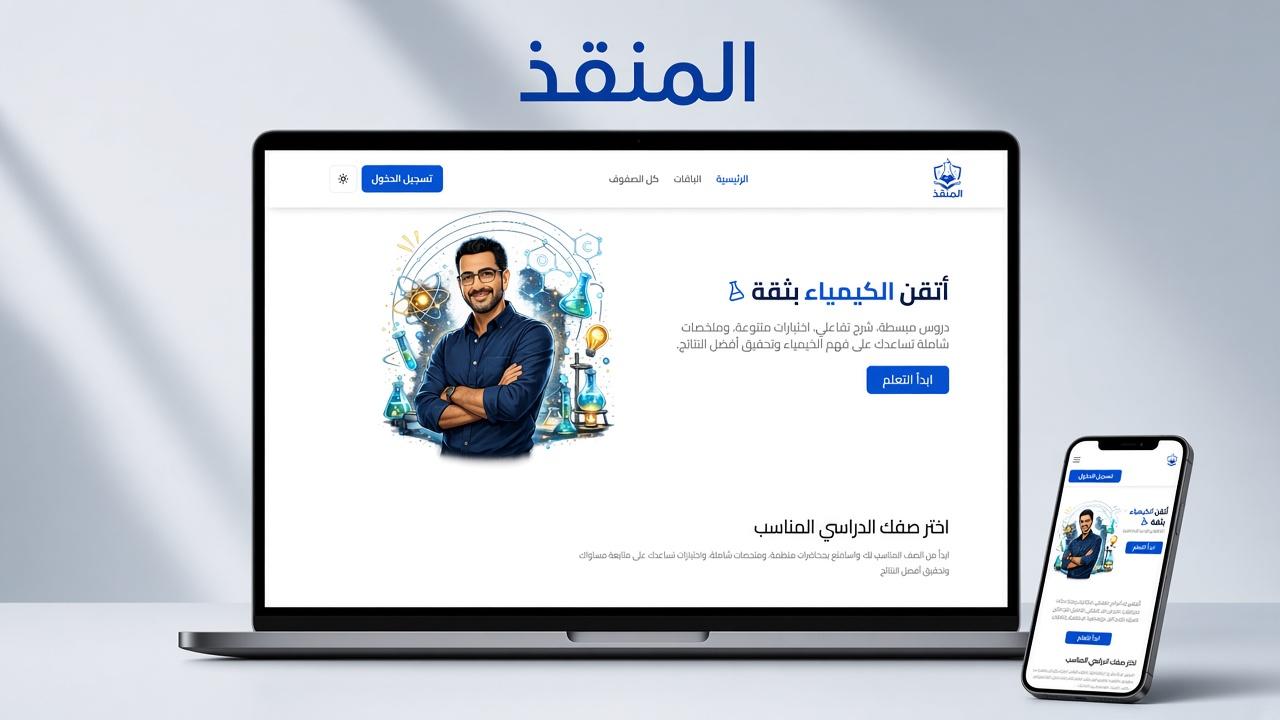
Al-Monqez (المنقذ)
Gallery
Select a screen to enlarge
Summary
A secondary-school learning system. Admins build classes, courses, and plans, and a student unlocks every course in their grade once an admin enrolls them.
Overview
Al-Monqez is a learning management system for secondary school. Admins build classes, courses, and a global subscription catalog. Students register themselves, and an admin enrolls them on a plan. An active subscription unlocks every course in the student's grade until it ends. There is no self-checkout. The backend is a NestJS modular monolith with PostgreSQL, Redis, JWT auth, email, and local file uploads. Video lessons are Bunny Stream embeds. The API lives under /api/v1. Grades are FIRST, SECOND, and THIRD, with one class per grade.
Technologies
Features
Students and admins
Students self-register, verify their email, then log in. They manage a profile, browse the catalog, take the courses in their subscription, and mark lessons complete. Admins use a pre-created account and cannot self-register. They manage accounts, classes, courses, plans, and subscriptions, limited by role permissions.
Auth
Students can register, verify an email code stored in Redis, resend verification, log in, refresh, log out, and reset a forgotten password. Admins can log in, refresh, log out, and reset a password. Both sides use a short-lived access token and a hashed refresh token, with separate secrets. An admin token carries a role id and the permission list: ACCOUNT, CLASS, COURSE, and SUBSCRIPTION.
Accounts and roles
A student can read and update their profile (username, full name, avatar, grade), change their password, and delete their account. Status is ACTIVE, SUSPENDED, or BANNED. An admin can change their own password. An admin with ACCOUNT can list students with pagination, a status filter, and search by name, username, or email, and can create a student, change status, or delete a student. They can also list, create, update, and delete other admins. Roles are stored in the database. A role can be deleted only when no admin is assigned to it. Super Admin, Admin, and Teacher have ACCOUNT, CLASS, COURSE, and SUBSCRIPTION. Support has ACCOUNT and SUBSCRIPTION.
Classes and courses
The public site lists classes. An admin with CLASS can create, update, and delete a class. Each class has a name and a unique grade. Content is organized as class, then course, then unit, then lesson, and a lesson can have videos and documents. Visitors can list courses for a class and open a course outline. A student token adds completion flags. An admin with COURSE can create and edit courses, including a cover image, bulk-create units and lessons, add Bunny video embeds, and upload lesson documents. A locked lesson is hidden from students. A student sees the courses unlocked by their grade subscription, opens a unit only with an active matching subscription, and marks a lesson complete after the Bunny player reports that the video ended. Locked lessons and unfinished prerequisites hide the content.
Plans and subscriptions
Plans are a global catalog, not a price per course. Types are MONTHLY, FIRST_TERM, and FULL_YEAR. Status is ACTIVE or INACTIVE, and at most one plan of each type can be active. The public site lists active plans and their features. An admin with SUBSCRIPTION creates and edits plans, including name, overview, price, feature texts, and end dates for a term or year. Enrollment is manual: the admin creates a subscription with a student and a plan, and the system snapshots the student's grade and the price paid. A monthly plan runs for one month. A term or full-year plan runs until the plan's end date, and a plan that has already ended is rejected. A student can have only one subscribed row at a time. Status is SUBSCRIBED, SUSPENDED, CANCELLED, or EXPIRED. Renew creates a new row linked to the old one and cancels the old row. If a subscription is still marked subscribed but past its end date, the next access attempt expires it and denies access. Access needs status subscribed, a valid date window, a matching grade, and an active student account.
Email and settings
The notifier sends the student verification email and emails about subscription status. An admin with ACCOUNT can read and update platform config, which currently stores a WhatsApp contact number. That number is also available on a public config endpoint.